

How to Transition Your Arcade from Tokens to a Card System: The Complete Guide
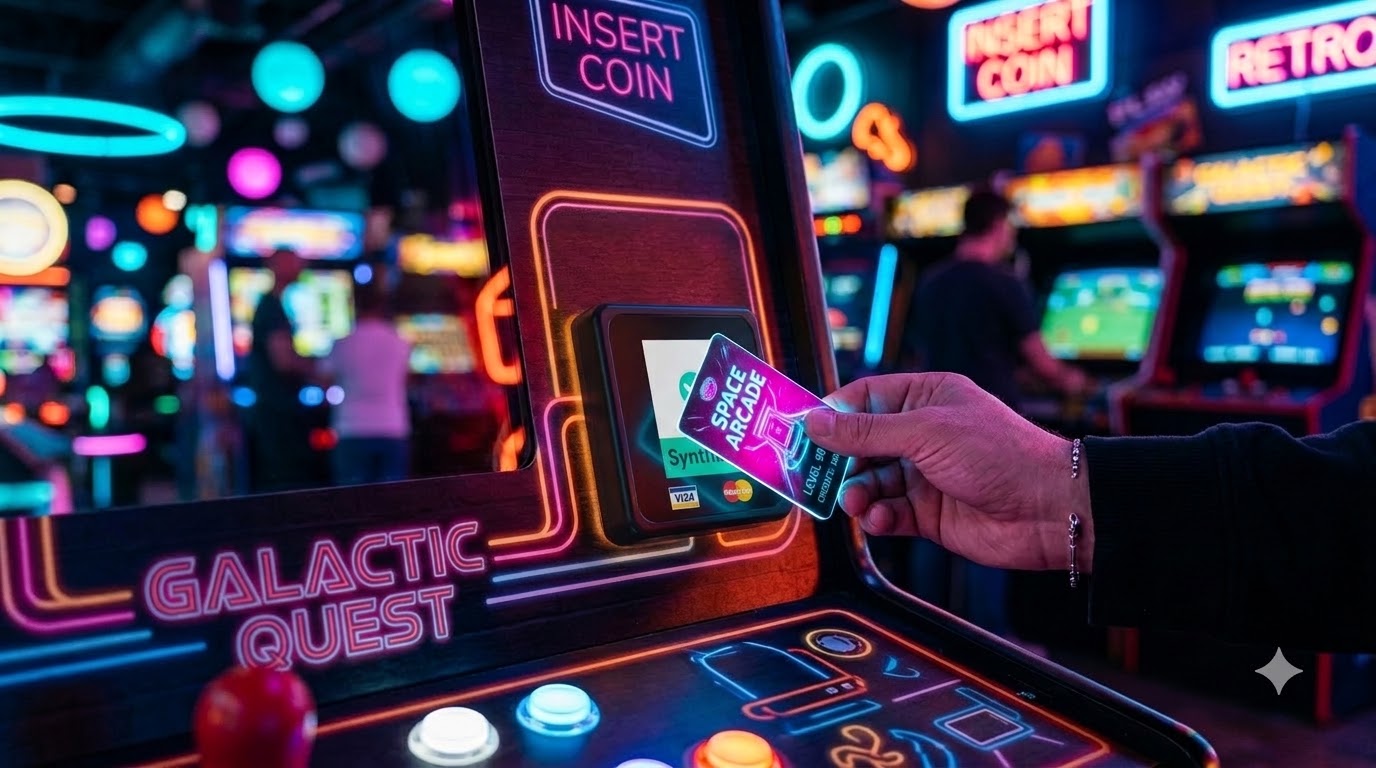
Are you wondering how to transition your arcade from traditional brass tokens to a modern, automated cashless system?
Ans: You can transition your arcade by auditing your machines for pulse or serial compatibility, selecting an arcade management platform like SynthiaX, installing a dedicated card reader for arcade units onto each cabinet, connecting your readers to a local or cloud network, and rolling out RFID tap cards or mobile payments to your players.
Moving away from physical tokens eliminates coin jams, reduces labor costs, and dramatically increases player spending. This comprehensive guide walks you through every step of planning, wiring, configuring, and launching your cashless system.
Why You Should Add a Card Reader for Arcade Operations
Operating an arcade with physical tokens creates hidden expenses and operational bottlenecks. Metal tokens jam mechanical coin mechs, require manual collection, demand daily counting, and invite employee shrinkage. When you replace coin slots with a modern card reader for arcade cabinets, you solve these operational headaches while unlocking new revenue streams.
1. Eliminating Jammed Coin Slots and Hardware Wear
Mechanical coin comparators wear out over time. Dirt, bent tokens, and foreign objects routinely take profitable machines out of service during peak weekend hours. A solid-state card reader for arcade machines uses contactless RFID or optical scanners with no moving parts, drastically cutting your maintenance downtime.
2. Boosting Average Revenue Per User (ARPU)
Frictionless payments encourage higher spending. When guests load $20, $50, or $100 onto a digital card balance, they disconnect the physical feeling of parting with cash from playing games. Venues that install a card reader for arcade games consistently report revenue increases between 20% and 35% within the first ninety days.
3. Implementing Dynamic and Surge Pricing
With tokens, changing a game price from $1.00 to $1.25 requires re-calibrating mechanical switches or reprogramming coin pulses inside the cabinet. A networked card reader for arcade setups allows you to adjust pricing across your entire floor with a single click. You can run happy hour specials on slow Tuesday afternoons or apply surge pricing during busy holiday weekends automatically.
4. Real-Time Telemetry and Operational Analytics
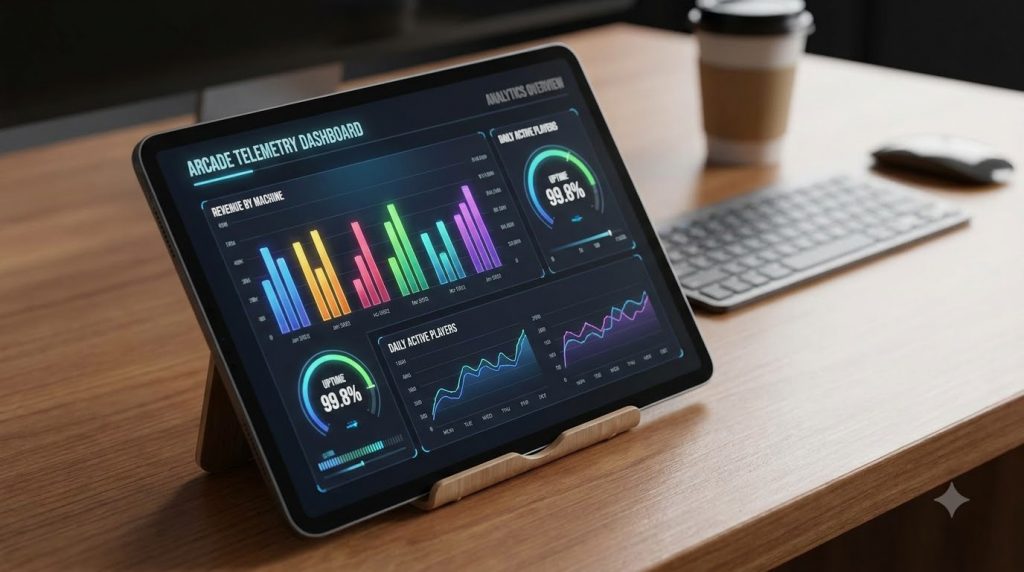
Tokens give you zero data about individual player habits. Installing a smart card reader for arcade systems provides instant reporting on which titles generate the highest gross income, which machines sit idle, and when peak foot traffic hits your game room floor.
5. Seamless Redemption and Ticketless Payouts
Paper tickets cause dust, clutter the arcade floor, and require constant replenishment. Modern cashless readers log virtual tickets directly to the customer’s account balance, streamlining the prize counter experience and slashing consumable supply costs.
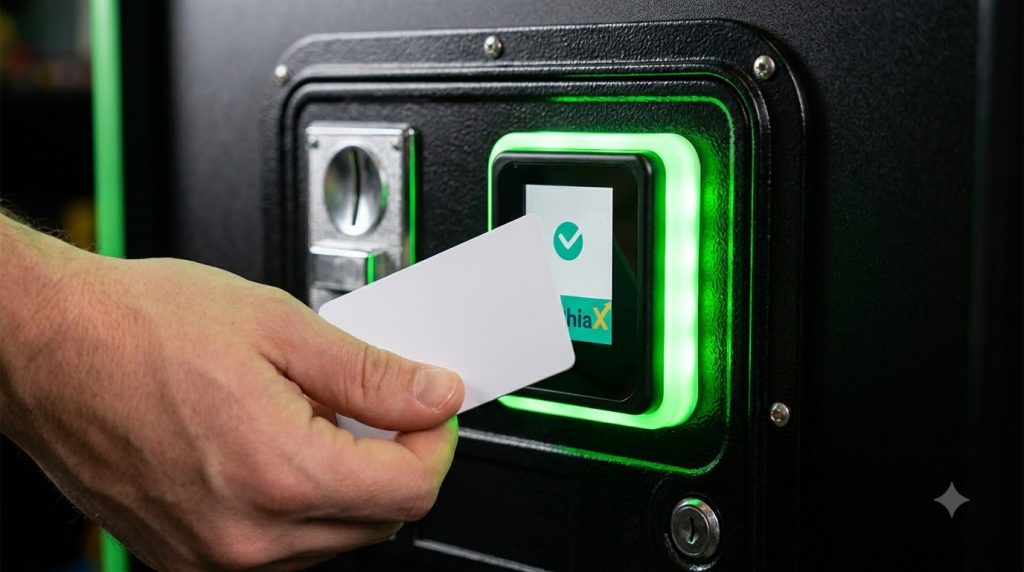
The Step-by-Step Process of Transitioning from Tokens to a Card System
Upgrading your game room requires careful planning, standard electrical retrofitting, and proper software configuration. Follow this detailed roadmap to execute a smooth transition.
Step 1: Complete an Arcade Machine Inventory and Audit
Before purchasing hardware, inspect every cabinet in your venue. Create a spreadsheet detailing:
- Game title and manufacturer
- Coin interface type (Standard 12V pulse, optical switch, or serial interface)
- Ticket dispenser signal type (if applicable)
- Physical coin door dimensions
- Available internal power supply lines (+12V DC, +5V DC, Ground)
Most classic and modern arcade games accept standard coin pulse inputs through a standard microswitch or electronic coin selector. Understanding your machine specs ensures that you order the right mounting brackets and wiring harnesses for your card reader for arcade retrofits.
Step 2: Choose Between Closed-Loop RFID and Direct Credit Card Readers
You must decide how customers will pay at the machine:
- Closed-Loop RFID (Recommended for Arcades): Players purchase branded game cards at a central kiosk or front desk using cash, debit, or credit. They tap their card on each card reader for arcade cabinet to start gameplay. This format minimizes individual credit card processing fees, speeds up machine activation, and keeps players engaged within your ecosystem.
- Open-Loop Credit Card (Direct Tap): Players tap their personal Visa, Mastercard, or Apple Pay wallet directly on each machine. While convenient, processing fees on frequent micro-transactions ($0.50 to $2.00) can erode profit margins unless your reader aggregates transactions.
Comprehensive management suites like SynthiaX provide robust closed-loop RFID integration alongside flexible payment kiosk gateways, giving you the lowest processing overhead and maximum customer retention.
Step 3: Upgrade Your Local Network Infrastructure
A cashless arcade depends on uninterrupted communication between readers, server databases, and point-of-sale kiosks.
- Deploy dedicated enterprise-grade Wi-Fi access points covering the entire floor.
- Separate your arcade gaming devices onto an isolated Virtual Local Area Network (VLAN) to prevent interference from guest Wi-Fi traffic.
- Ensure your chosen card reader for arcade models support offline caching. This prevents games from going offline if your main internet connection experiences a brief drop.
Step 4: Mount and Wire the Card Reader for Arcade Cabinets
Installing hardware is a straightforward process for any arcade technician or handy operator:
- Remove Old Coin Mechs: Unscrew the manual token comparators from the coin door.
- Attach Mounting Plates: Secure the universal bezel or bracket designed for your specific card reader for arcade model into the standard coin insert cutout.
- Connect Power: Tap into a stable +12V DC power source inside the cabinet, verifying correct polarity with a digital multimeter.
- Connect Coin Pulse Lines: Wire the output relay of the card reader for arcade directly into the game board’s Coin 1 (Normally Open) input pin.
- Connect Ticket Signals: For ticket redemption games, wire the ticket notch and drive lines from the main logic board into the card reader to enable e-ticket logging.
Step 5: Configure Backend Software and Game Economics
Once your hardware is mounted, launch your management software. Platforms like SynthiaX make device pairing painless by scanning QR codes on the readers or automatically discovering active devices on the local subnet.
Set your credit-to-dollar ratios carefully. For example, setting
1.00=4GameCreditsletsyoupricelegacygamesat3credits(1.00=4GameCreditsletsyoupricelegacygamesat3credits(0.75) or premium VR simulators at 14 credits ($3.50). This flexible pricing model maximizes machine profitability.
Step 6: Train Staff, Deploy Kiosks, and Educate Guests
Place self-service balance kiosks in high-visibility areas near your entrance. Train your floor team on how to check card balances, issue promotional cards, and troubleshoot any reader error codes. Put bright instructional decals around each card reader for arcade machine to guide first-time visitors on tapping cards or scanning digital wallets.
Brand Comparison: SynthiaX vs. Nayax vs. Cantaloupe
Selecting the right cashless hardware and management platform dictates the long-term success of your transition. While commercial vending readers exist, purpose-built arcade systems offer distinct advantages for interactive entertainment venues.
Here is a side-by-side comparison of SynthiaX, Nayax, and Cantaloupe across key arcade criteria:
| Feature / Metric | SynthiaX | Nayax (VPos Touch) | Cantaloupe (ePort G10-S) |
| Primary Industry Focus | Family Entertainment Centers, Arcades & Amusement | Vending, EV Charging, Unattended Retail | Vending, Micro Markets, Car Washes |
| Arcade Ticket / Redemption Support | Native Virtual E-Ticket logging & prize counter sync | No native ticket tracking | No native ticket tracking |
| Card Reader for Arcade Form Factor | Compact, illuminated bezel with universal coin door mounts | Square vending bezel, requires custom mounting brackets | Standard vending form factor, bulky on small coin doors |
| Closed-Loop RFID Support | Yes (Custom branded cards) | Partial (Primarily focused on open-loop credit tap) | No (Open-loop merchant processing focus) |
| Dynamic Happy Hour & VIP Pricing | Fully automated through centralized arcade dashboard | Limited basic pricing shifts | Limited to standard retail price points |
| Offline Transaction Caching | Full local network redundancy | Cloud-dependent processing | Cloud-dependent processing |
| Micro-transaction Processing Fees | Low (Optimized for internal arcade card balances) 1.2 – 1.5% no hidden charges | High per-swipe fees on low-dollar plays | High per-swipe interchange fees |
| Ease of Cabinet Installation | Plug-and-play wiring harnesses for all major arcade PCBs | Requires custom pulse relay wiring | Requires manual harness fabrication |
Why SynthiaX is the Ideal Solution for Modern Arcades
SynthiaX is built specifically for entertainment centers. When you deploy a SynthiaX card reader for arcade machines, you get integrated e-ticket handling, rapid tap-and-play response times, dynamic RGB LED attract modes, and unified kiosk management in one streamlined package. It eliminates third-party gateway friction and delivers the highest operational return on investment for arcade operators.
Best Practices for Maximizing ROI After Installation
Installing your hardware is only the first phase. Implement these operating strategies to get the fastest payback period on your new card reader for arcade investments:
1. Create Bonus Balance Upsell Tiers at Kiosks
Structure your kiosk purchasing menus to incentivize larger upfront transactions. For example:
- Pay
20:Receive80Credits(20:Receive80Credits(20 value) - Pay
50:Receive230Credits(50:Receive230Credits(57.50 value / 15% bonus) - Pay
100:Receive500Credits(100:Receive500Credits(125 value / 25% bonus)
Players readily choose higher tiers when they see immediate bonus value, giving your business instant upfront cash flow.
2. Configure Dynamic Lighting and Attract Modes
A great card reader for arcade units features customizable RGB perimeter lighting. Program your reader bezels to flash during gameplay, pulse colors during venue-wide jackpot drops, or switch to red when a cabinet requires service. This visual feedback keeps the energy high across your entire floor.
3. Launch Loyalty Programs and VIP Tiers
Because digital readers track unique card numbers, you can reward high-frequency visitors. Set up player tiers that automatically apply a 10% credit discount to VIP players or grant free birthday plays. Managing player loyalty through your central card reader for arcade software builds strong customer retention without requiring physical punch cards.
4. Optimize Game Placement Using Live Telemetry
Review machine performance reports weekly. If a driving simulator near the front entrance generates triple the revenue of an identical machine in the back corner, reconfigure your floor plan. Data gathered by each card reader for arcade cabinet removes guesswork from your game room layout.
Frequently Asked Questions (FAQ)
Can I install a card reader for arcade games on older classic retro cabinets?
Yes. Classic arcade cabinets (like Pac-Man, Galaga, or Street Fighter II) use standard mechanical coin switches that close a 5V or 12V circuit to trigger a credit. You can install an arcade card reader by wiring its pulse relay output directly across the existing coin switch terminals. You can even preserve the original physical coin mech, allowing the machine to accept both coins and digital cards simultaneously.
How much does it cost to convert an arcade from tokens to cards?
The total conversion cost depends on the number of machines and hardware features. On average, expect to invest between $150 and $350 per machine for the reader hardware, wiring harnesses, and mounting brackets, along with the cost of self-service balance kiosks and backend software licensing. Operators typically recoup this initial investment within four to eight months through labor savings and increased spending.
What happens if the arcade loses internet access during operating hours?
Leading solutions, including the SynthiaX ecosystem, feature local server redundancy and offline transaction caching. If your broad internet connection drops, the local card reader for arcade network continues validating card balances and firing game credits without interruption. All transaction logs synchronize with your cloud servers once the main connection restores.
Do I need to replace my redemption ticket dispensers?
No, you do not need to replace physical ticket dispensers immediately, but switching to virtual tickets is highly recommended. Most modern arcade card readers connect directly to the cabinet’s ticket output wiring, translating mechanical ticket pulses into digital e-tickets saved directly onto the player’s account. This eliminates paper ticket expenses, reduces jam-related service calls, and speeds up the prize counter line.
How difficult is it to maintain a card reader for arcade machines compared to coin mechs?
Maintaining a cashless reader is significantly easier than servicing coin comparators. Cashless readers have no physical levers, optical coin drop channels, or microswitches that wear out over time. Routine maintenance simply involves wiping down reader surfaces and verifying that network access points remain clean and unobstructed.
Upgrade Your Arcade Floor Today
Choosing the right technology partner is the key to a fast, reliable conversion. SynthiaX delivers an all-in-one amusement platform combining durable reader hardware, seamless kiosk integration, advanced e-ticket tracking, and enterprise-grade software.
Equip your game floor with the industry’s most dependable card reader for arcade machines. Contact the SynthiaX team today to schedule a live system demonstration, audit your cabinet inventory, and discover how effortless transitioning to cashless can be.